 Transfer music across all platforms
Transfer Napster to Amazon Music
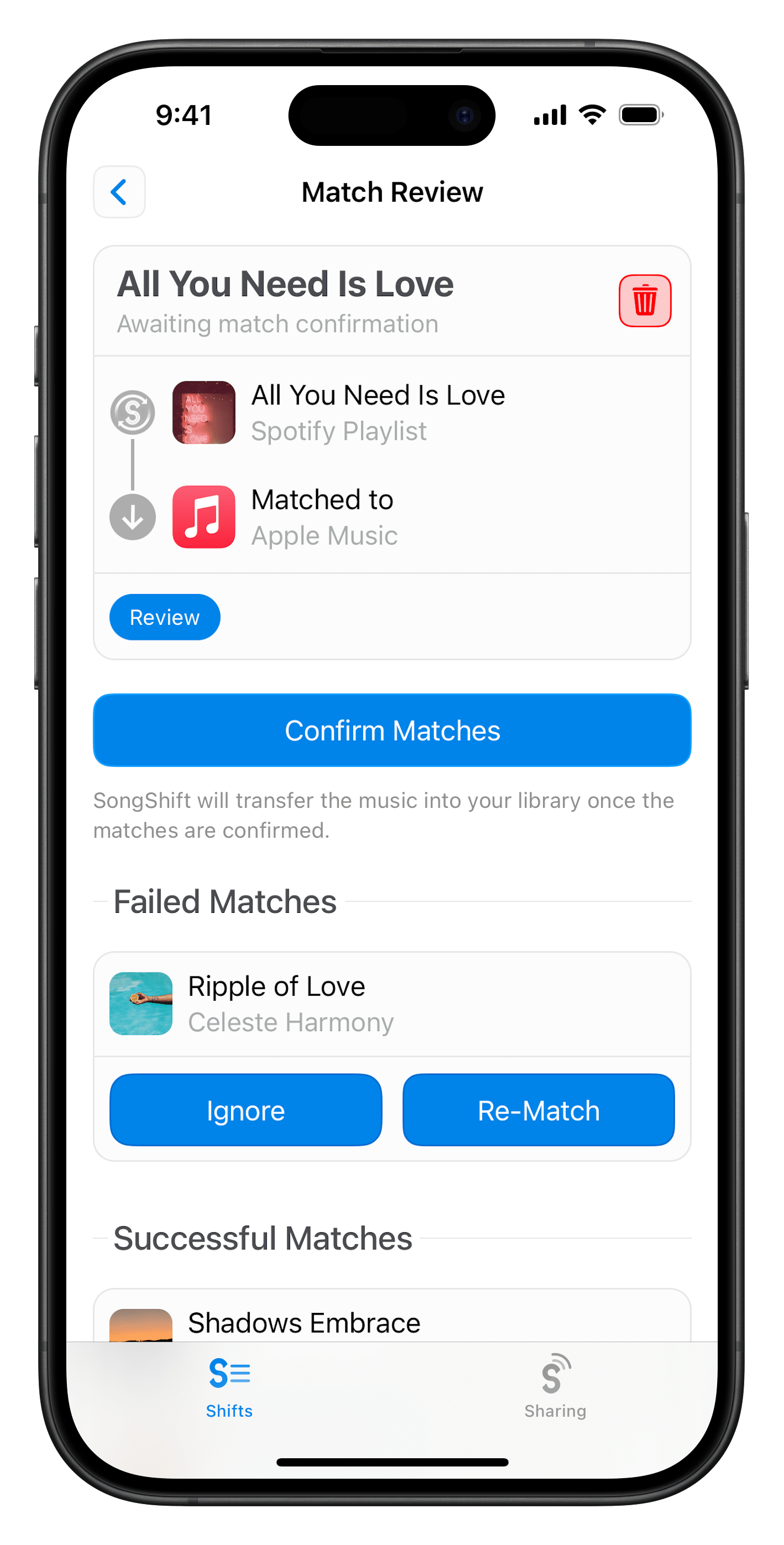
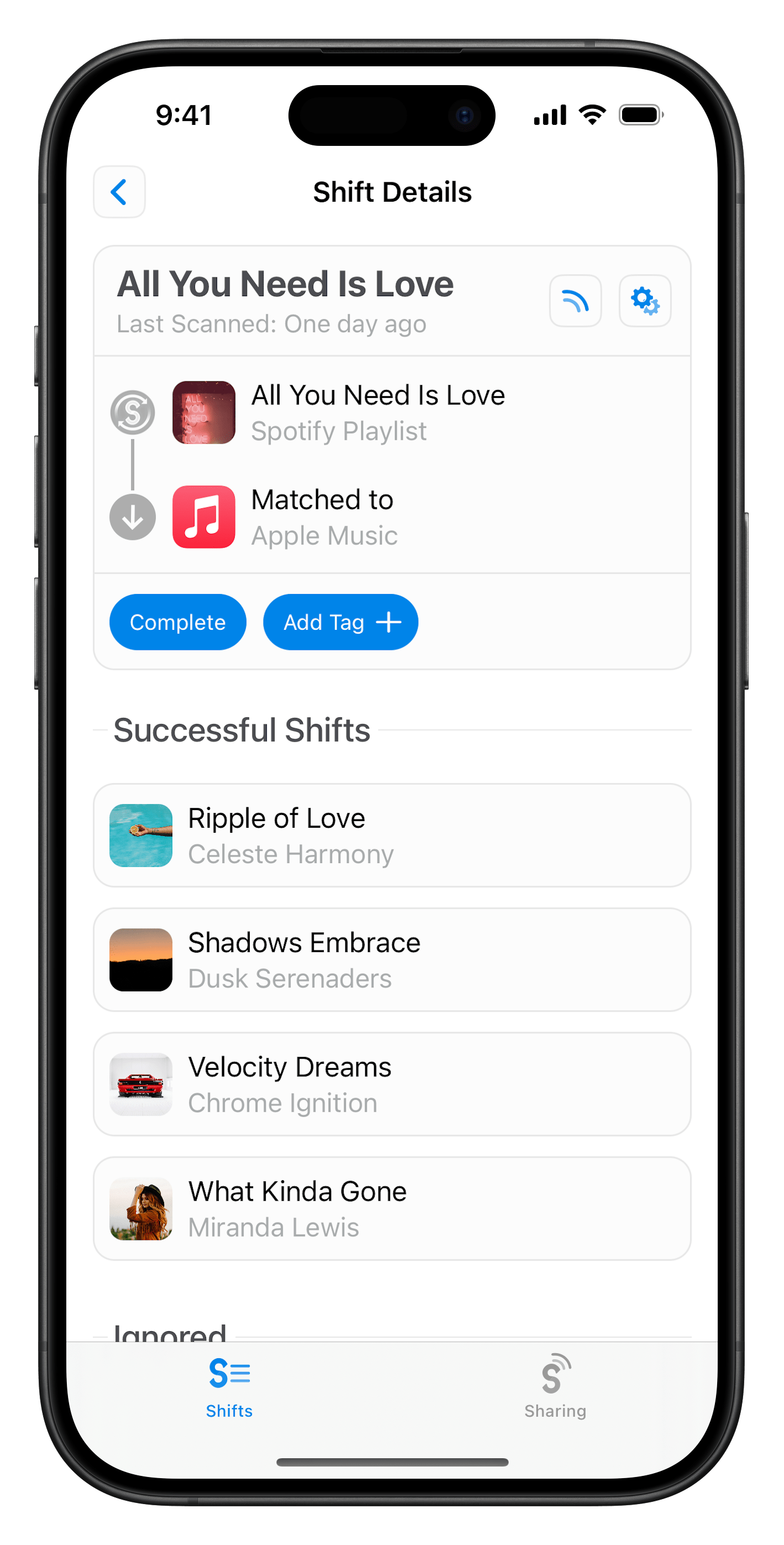
Convert your music library and playlists from Napster to Amazon Music in a few easy steps with SongShift.




How to transfer playlists from Napster to Amazon Music
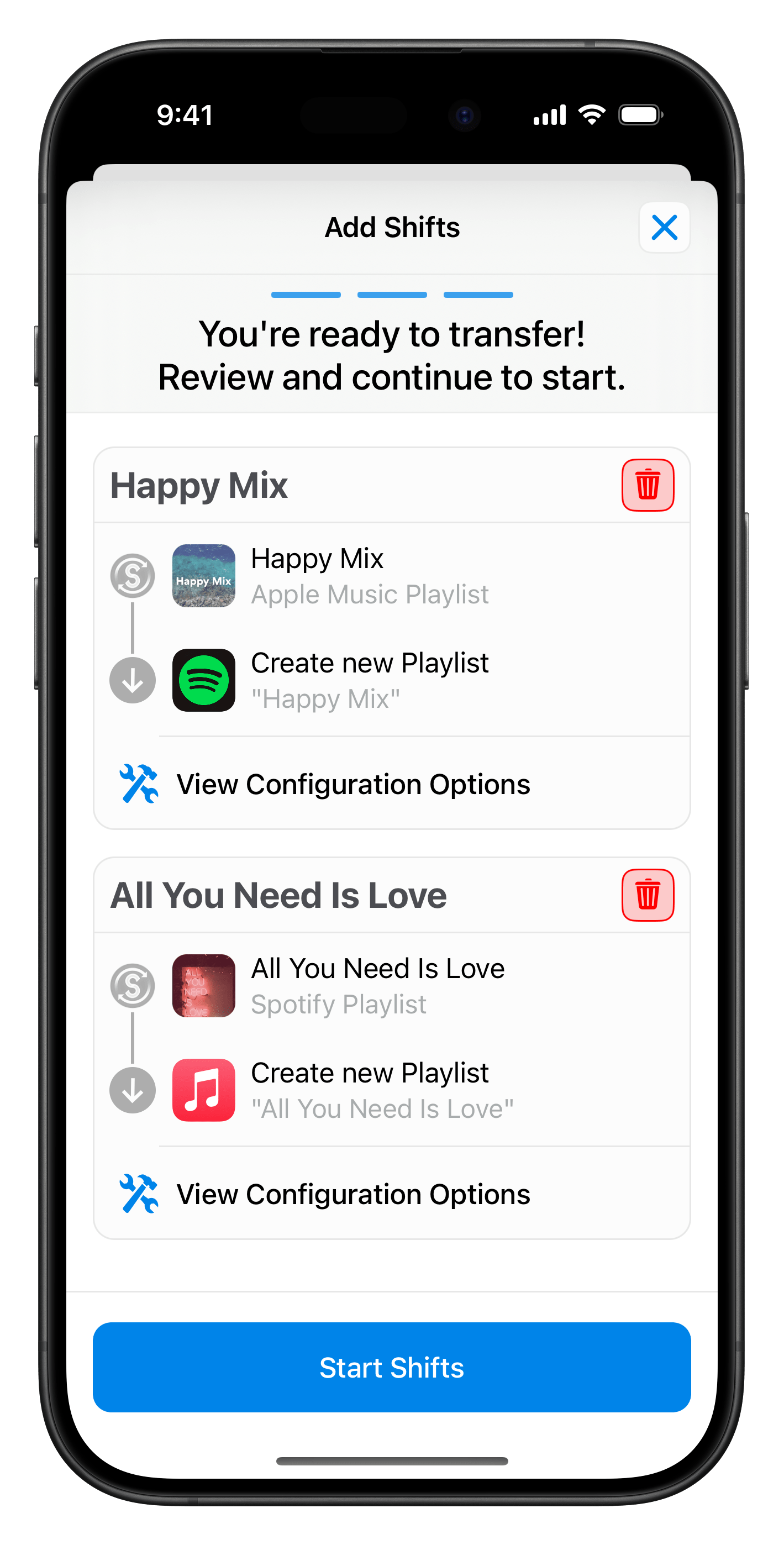
1Configure your Shift
Choose Napster as your source and pick the playlists, albums, or songs you want to move. Then select Amazon Music as your destination.
Popular Transfers
Easily transfer your playlists from Napster to Amazon Music with SongShift. Enjoy your music anywhere!


Transfer from Napster to Spotify


Transfer from Napster to Apple Music

Transfer from Napster to YouTube
Transfer from Napster to TIDAL

Transfer from Napster to Deezer
Transfer from Spotify to Amazon Music
Transfer from Apple Music to Amazon Music
Transfer from YouTube to Amazon Music
Transfer from TIDAL to Amazon Music
Transfer from Deezer to Amazon Music

Transfer your music now with SongShift