Simple Music Transfers and Sharing

Use SongShift to transfer music playlists across streaming platforms and share them with your friends.
Download SongShift on the App Store
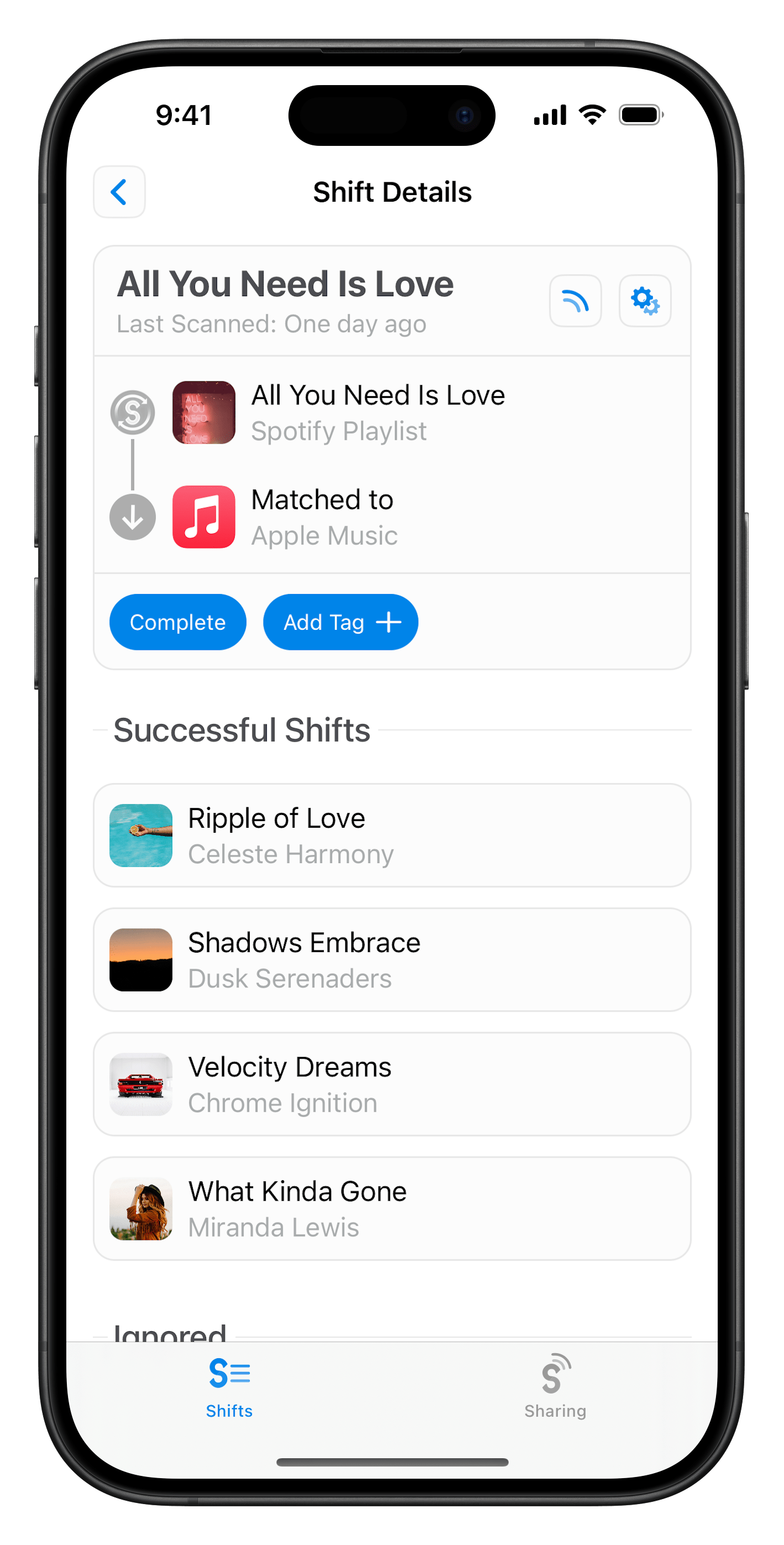
SongShift app screenshot

SongShift is the easiest way to...

Music transfer feature image
Transfer your music

Transfer the music you love to the music provider you want.

Playlist sharing feature image
Share your playlists

Share playlists with anyone, regardless of their music streaming platform.

Playlist sync feature image
Keep playlists in sync

Sync additions from your playlist to your destination music streaming platform.

With widespread support...

Amazon Music

Amazon Music

Apple Music

Apple Music

Audiomack

Audiomack

Deezer

Deezer

Discogs

Discogs

Hype Machine

Hype Machine

LastFM

LastFM

Napster

Napster

Pandora

Pandora

Qobuz

Qobuz

SoundCloud

SoundCloud

Spotify

Spotify

TIDAL

TIDAL

YouTube

YouTube

How do I use SongShift?

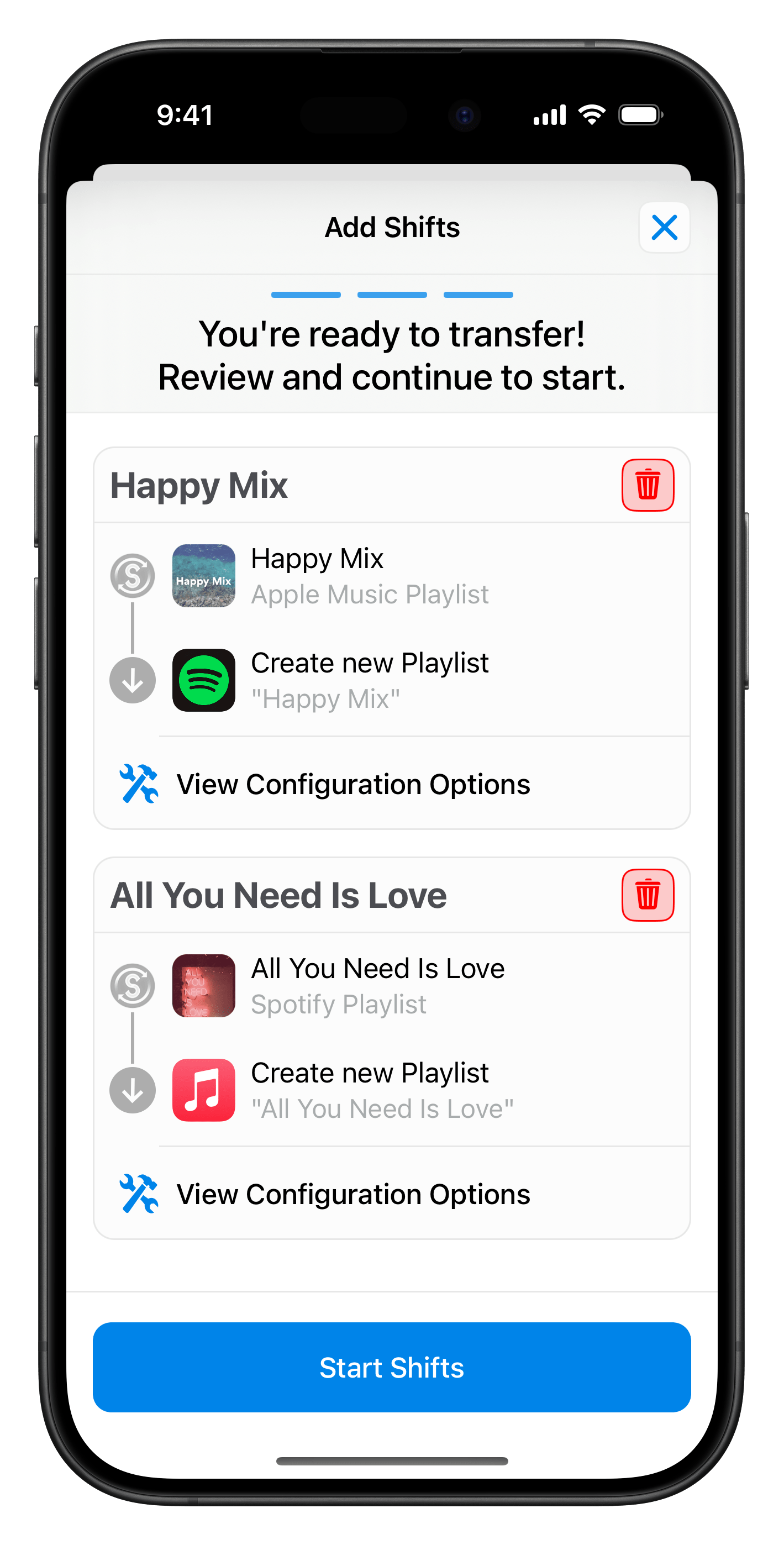
1Configure your Shift

Tell SongShift which playlists, songs, or albums you would like to be transferred to a different music streaming service.
SongShift Shift summary screenshot

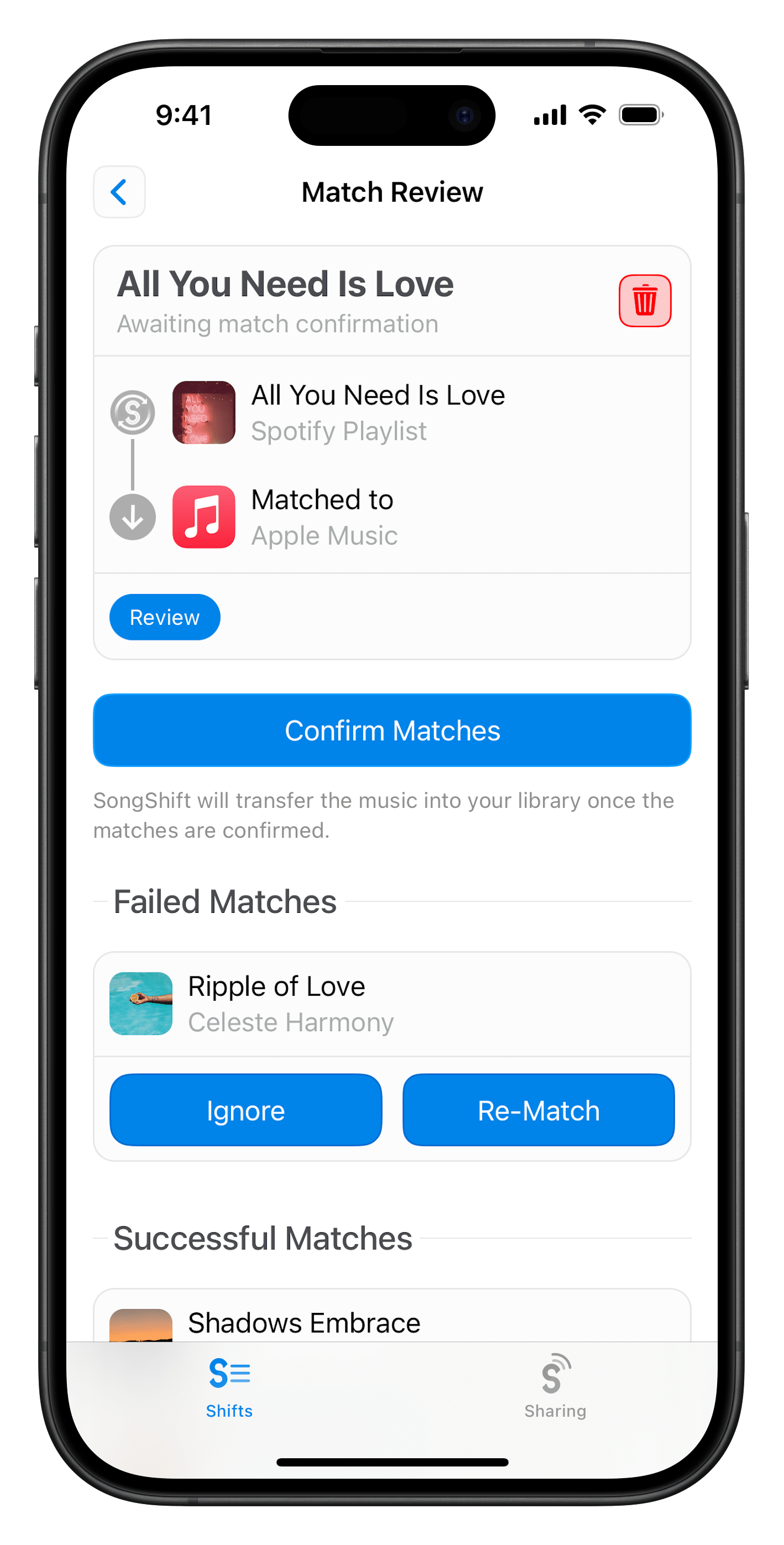
2Review matches

After SongShift has matched all of your songs on your destination service, you are given the opportunity to fix any mismatches.

SongShift match review screenshot

3Enjoy!

SongShift will quickly finish the transfer and the songs will appear in your destination music library moments later. Tada! 🎉

SongShift completed transfer screenshot
SongShift

Transfer your music now with SongShift

Download SongShift on the App Store

Unlock all features with SongShift Pro

Starting at $6.99/month
Learn more about Pro →