 Transfer music across all platforms
Transfer YouTube to Audiomack
Move your playlists from YouTube to Audiomack in a few easy steps with SongShift.
★ 4.7 on the App Store · 66,000+ ratings


How to transfer playlists from YouTube to Audiomack
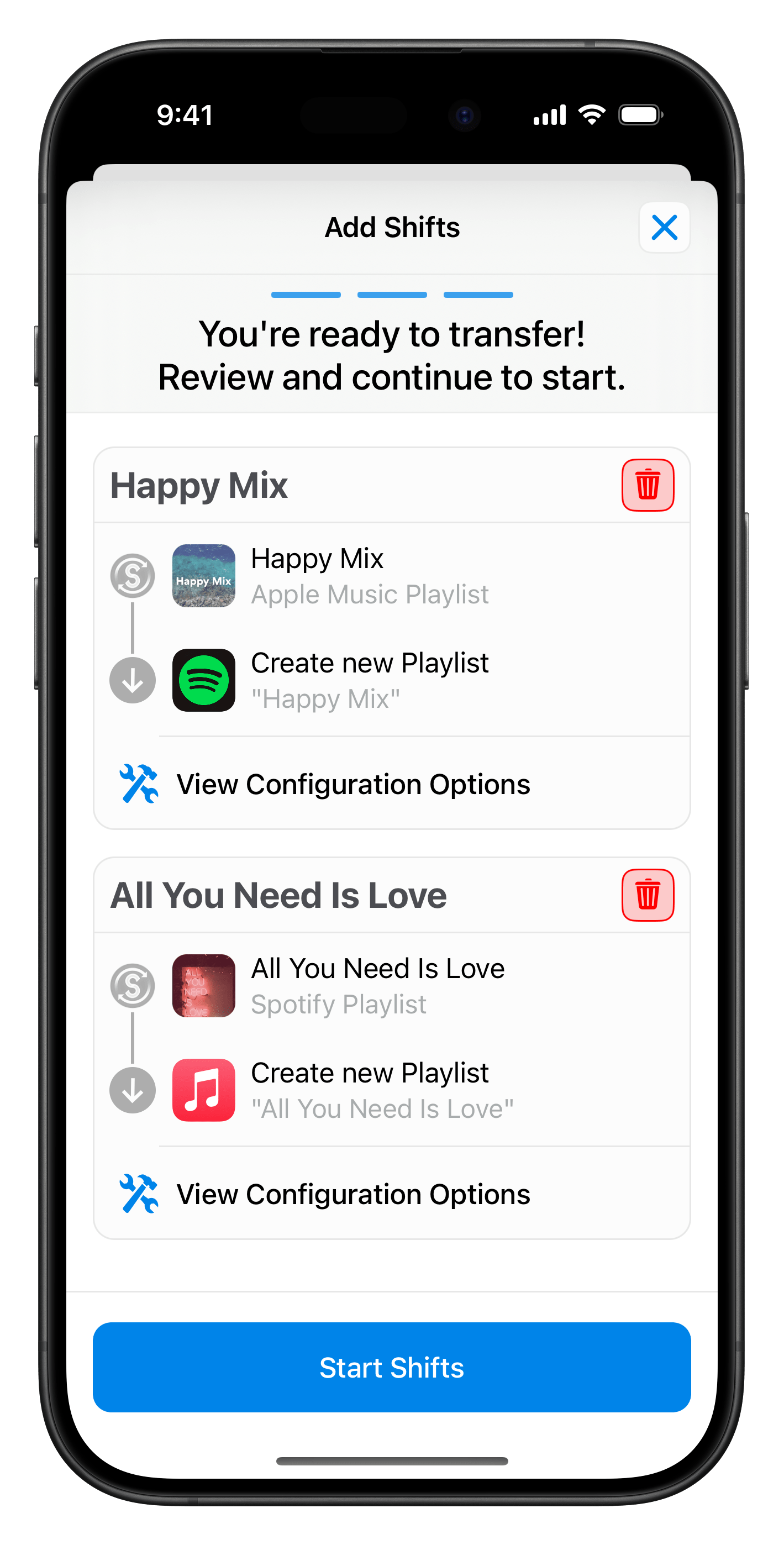
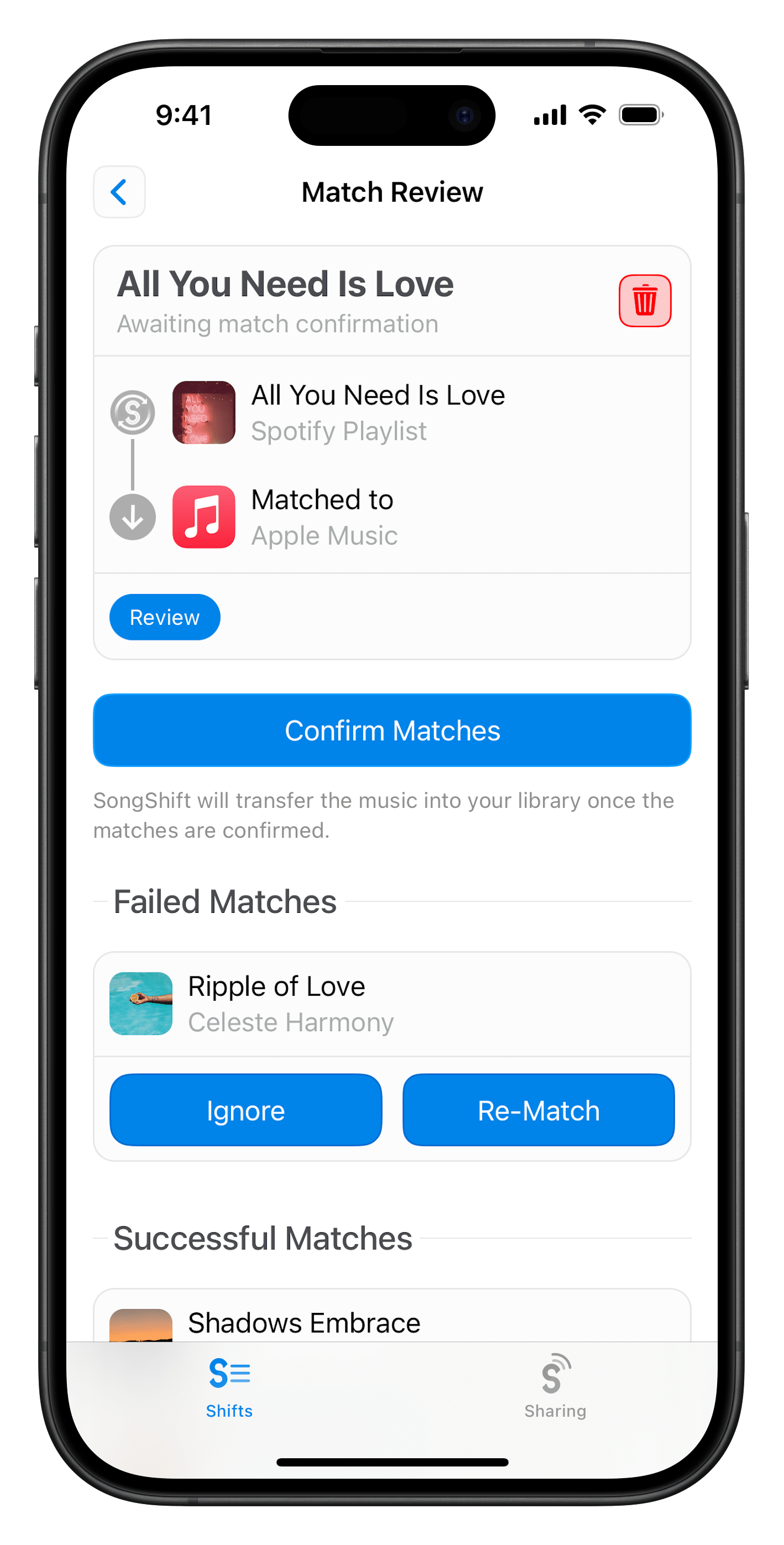
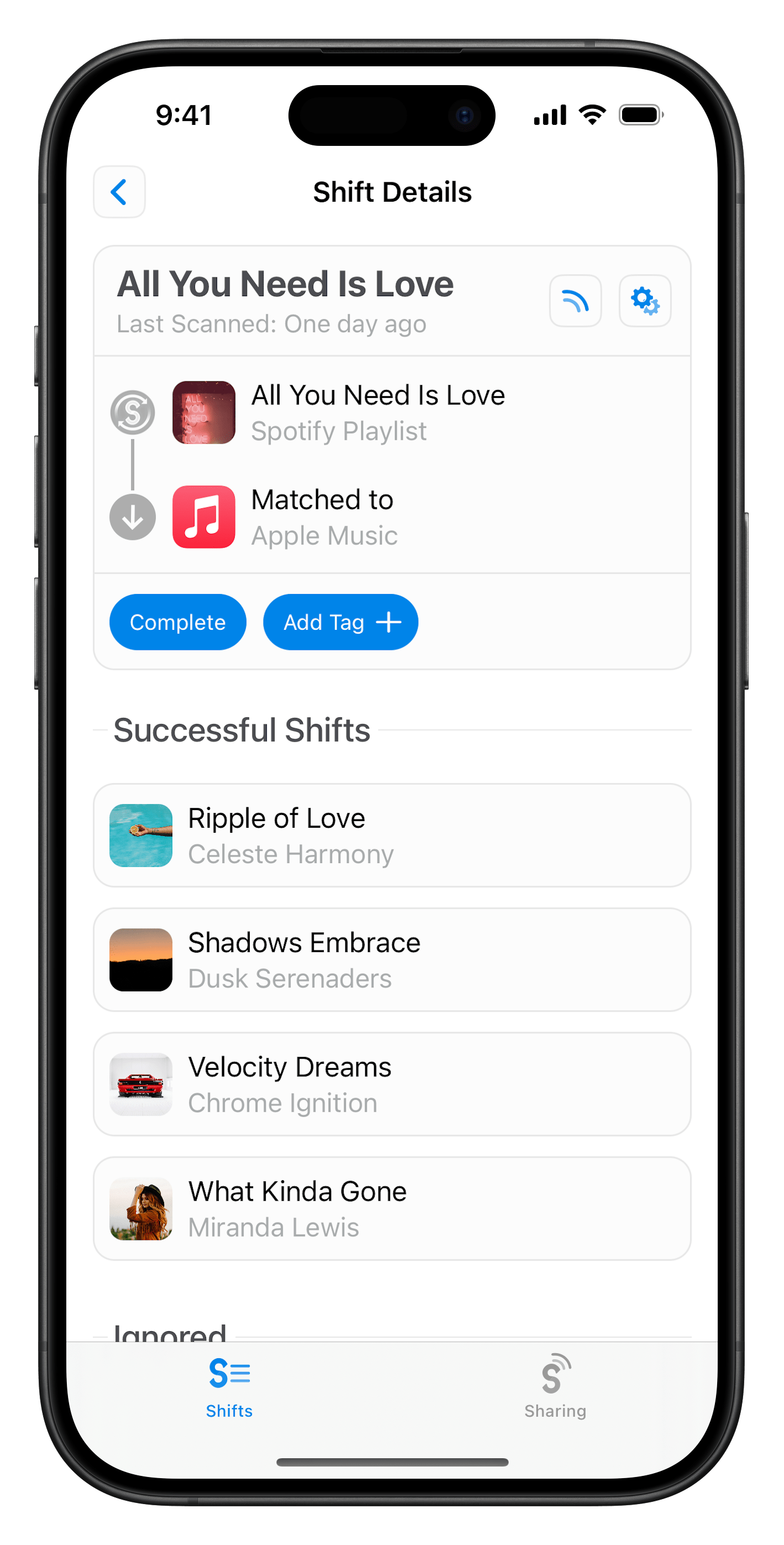
SongShift is a free iPhone and iPad app that moves your playlists from YouTube to Audiomack in 3 steps.
Common questions
Is transferring from YouTube to Audiomack free?
Yes. SongShift is free to download on the iOS App Store, and you can transfer playlists from YouTube to Audiomack for free. An optional Pro subscription (starting at $6.99/month) adds features like batch setup, faster matching with SpeedMatch, ongoing playlist sync, and unlimited service connections.
Will transferring delete or change my YouTube playlists?
No. SongShift only reads your YouTube library to match songs on Audiomack — it never modifies, reorders, or deletes anything in your source account.
What can I transfer from YouTube to Audiomack?
You can transfer playlists from YouTube to Audiomack. Only music that is officially available on Audiomack can be matched, so user-uploaded or unreleased tracks won’t carry over.
How long does a transfer from YouTube to Audiomack take?
Most transfers finish within a few minutes. Very large libraries take longer, and because Audiomack syncs library changes over the cloud, allow a little extra time for playlists to show up on all of your devices.
Have another question? Read the full SongShift FAQ. Want to share a playlist? Try SongMix.
Popular Transfers
SongShift transfers playlists between 13 streaming services, including Spotify, Apple Music, YouTube, and TIDAL. Enjoy your music anywhere!

Transfer from YouTube to Spotify

Transfer from YouTube to Apple Music
Transfer from YouTube to Amazon Music
Transfer from YouTube to TIDAL
Transfer from YouTube to Deezer
Transfer from Spotify to Audiomack
Transfer from Apple Music to Audiomack
Transfer from Amazon Music to Audiomack
Transfer from TIDAL to Audiomack
Transfer from Deezer to Audiomack
Transfer your music now with SongShift
Free for iPhone and iPad